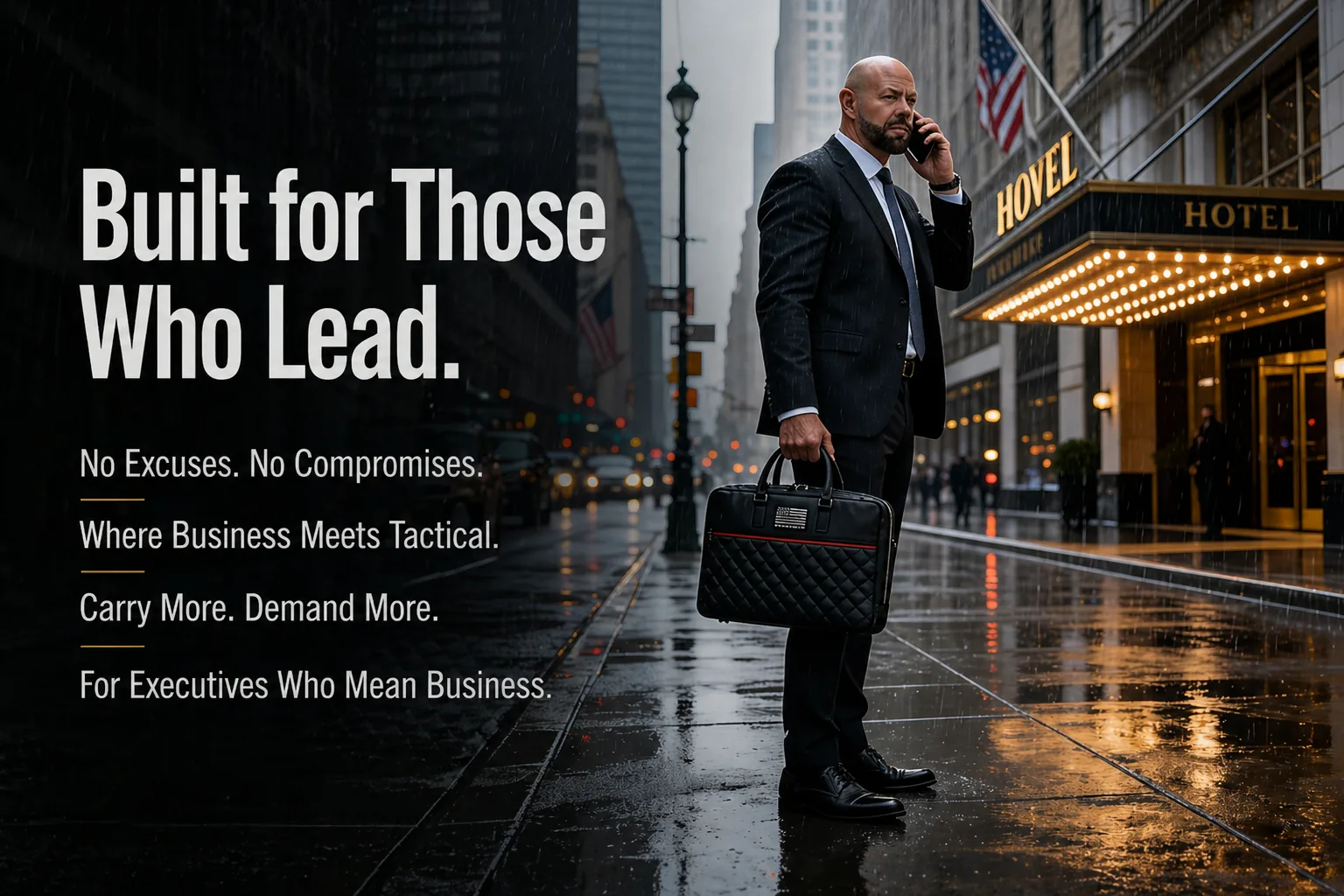
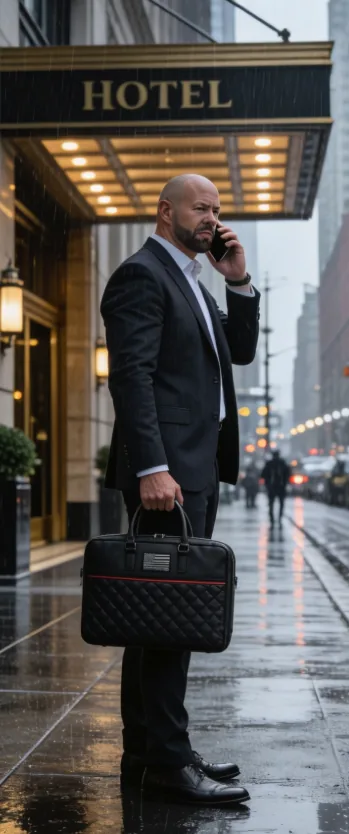
Hotel WiFi is one of the most-attacked networks in 2026. Captive-portal MITM, evil-twin SSIDs, BLE proximity exploits, and AirDrop discovery leak constantly from your devices — even when "asleep" in the room. The seven-step travel-hygiene protocol that actually works.
Hotel WiFi attacks are not edge cases. Captive-portal man-in-the-middle, evil-twin SSIDs, BLE proximity exploits, and AirDrop discovery are routine on business-class hotel networks. The DarkHotel APT campaigns documented since 2018 specifically target C-suite executives at major-chain hotels in 30+ countries. The defense is not better hotel-WiFi hygiene — it's removing your devices from the attack surface entirely when not in active use. Faraday isolation when stowed plus VPN-encrypted traffic when active is the protocol that works.
This article covers the six primary attack vectors on hotel WiFi, the seven-step protocol executives actually use, and why the "leave the laptop in the hotel safe" approach handles physical theft but not wireless attack surface.
Hotel WiFi requires login through a captive portal. Compromised portals serve modified TLS certificates that intercept everything — emails, document syncs, password-manager unlocks, MFA codes. Your device accepts the portal because the network requires it, then leaks for the duration of the session.
The 'Marriott_Guest' or 'Hilton_Guest' network your laptop auto-connected to in 2024 is now broadcast by an attacker in the conference-floor parking lot. Your device reconnects automatically, leaks credentials and document syncs, and never alerts you because the SSID matches a known network.
BLE-based zero-clicks against macOS and iOS have been published almost yearly since 2019. Apple patches them; new ones are found. Required attacker proximity: ~10 meters. A MacBook on the desk in a hotel room is reachable from the next room or the corridor. In a Faraday bag, the BLE radio cannot be reached.
AirDrop in 'Everyone for 10 minutes' or 'Contacts Only' with mis-configured contact lists leaks the principal's Apple ID hash and partial device metadata to anyone within Bluetooth range. AirPlay-discovery beacons identify the device by name. Both leak when the device is awake.
Many corporate-issued MacBooks have remote-management agents (Jamf, Mosyle, Kandji) that beacon to vendor cloud services. In a compromised hotel network, those beacons are intercepted, decoded, and used to fingerprint the device for targeted follow-up attacks within the same trip.
A 'left behind' USB-C dongle in the hotel-room desk port silently mounts as a network adapter and routes all traffic through an attacker-controlled VPN. The MacBook does not warn — it just sees a faster connection. The most reliable defense: do not connect to USB-C peripherals you did not bring with you, and Faraday-store the device when not in active use.
This is the protocol used by corporate-security teams at finance firms, M&A counsel desks, and journalism organizations. Most steps are free; the equipment investment is one Faraday briefcase plus a paid VPN subscription. The combined cost is under $200 for a year of protection.
The single highest-leverage step. Drop laptop, tablet, phone, and key fob into the Faraday bag before leaving the room or going to sleep. The hotel network cannot reach the devices; AirDrop discovery cannot leak; BLE proximity attacks cannot complete. Take them out when needed; reconnect happens automatically.
Reputable VPN (1.1.1.1, Mullvad, Proton, NordVPN) configured to auto-connect when joining ANY new WiFi network. Defeats the standard MITM attacks at the local network layer. Set the VPN's kill-switch to block traffic if the VPN drops.
'Marriott_Guest', 'Hilton_Guest', conference-WiFi networks — Forget them all in System Settings → WiFi → Known Networks after each trip. Defeats the evil-twin attack vector by removing the auto-connect that makes it possible.
System Settings → AirDrop → Receiving Off (or Contacts Only at minimum). System Settings → AirPlay & Handoff → AirPlay Receiver Off. Both leak Apple ID hash and device metadata by default. Re-enable only when actively using.
Carry your own USB-C cable and wall adapter. Do not plug into hotel-room USB ports, in-room desk USB hubs, or unfamiliar charging stations. The 'juice jacking' attack class is real; the 'left behind' implant attack class is more sophisticated and harder to detect.
macOS and Windows Sleep mode keep some wireless radios active for 'wake on LAN' and similar features. Powered-off disables them. Combined with Faraday storage, this is the gold standard for overnight: the device is off AND in a Faraday environment.
Bluetooth-microphone exploits, in-room voice-activated devices (some chains experiment with Alexa-class assistants), and the laptop's own microphone if compromised. For sensitive calls, leave the room. Take the call from a quiet corner of the lobby or a meeting room — both are usually less surveilled than guest rooms.
Three independently shielded chambers — laptop, tablet+phone, wallet+keys — let you isolate every device the moment you step into the hotel room. 76–85 dB attenuation across 30 MHz – 10 GHz. Boardroom-appropriate optics for the conference floor and lobby. Made in the United States. $129 with free U.S. shipping.
Acquire — $129 MacBook PillarHotel safes prevent physical theft adequately. They do not block wireless signals. Your laptop sitting in a hotel safe is fully reachable on WiFi, Bluetooth, and (if cellular-equipped) cellular. AirDrop, AirPlay, and BLE proximity attacks all work as if the laptop were sitting on the desk. For physical-theft protection: hotel safe is fine. For wireless-attack-surface protection: Faraday bag.
VPN encrypts traffic from your device to the VPN server. It does not stop captive-portal MITM (intercepts BEFORE the VPN connects), evil-twin SSIDs (tricks the device into the wrong network), or BLE proximity exploits (targets the radio at the device itself). VPN is necessary; it is not sufficient.
macOS and Windows Sleep mode keep wireless radios partially active for wake-on-LAN, wake-on-Bluetooth, and similar features. The device is reachable on the network during Sleep. For overnight storage on hostile networks, Powered-off is meaningfully more secure than Sleep.
The DarkHotel APT campaigns specifically target C-suite executives at premium hotel chains in 30+ countries. The chain is not the threat actor; the threat actor exploits the chain's network infrastructure. Trust is misplaced. Treat every hotel network as hostile by default and the protocol above protects you regardless.